How to Submit
To submit evidence for a task, follow the steps below. We have deliberately not used Discord this year so that everyone can upload evidence and interact with hackMaster in whatever way works best for them.
You can use any file hosting service you prefer, as long as the link allows us to view your evidence.
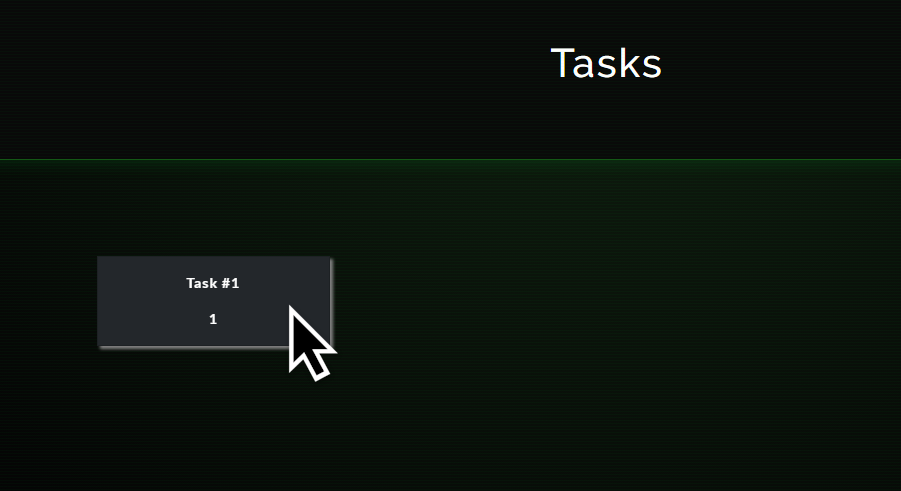
Step One: Open the Task
Click on the task you want to complete.
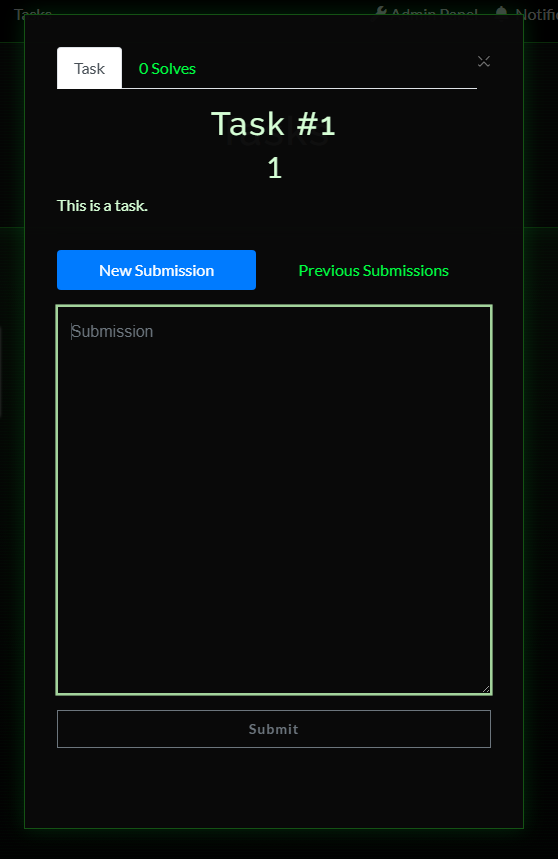
Step Two: Open the Submission Box
The task dialogue box will open and provide a textbox for your evidence link.
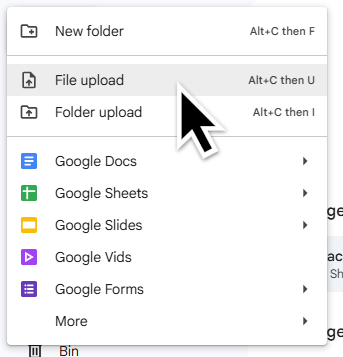
Step Three: Upload Your Evidence
Upload your evidence to a file hosting service. This example uses Google Drive, but any service that provides a shareable link can be used.
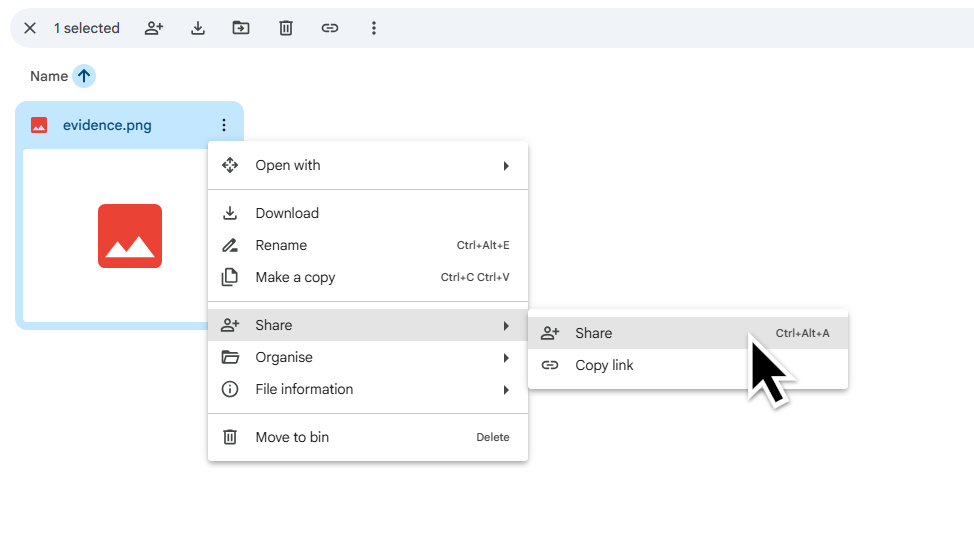
Step Four: Select Share
Select the share option for your uploaded evidence.
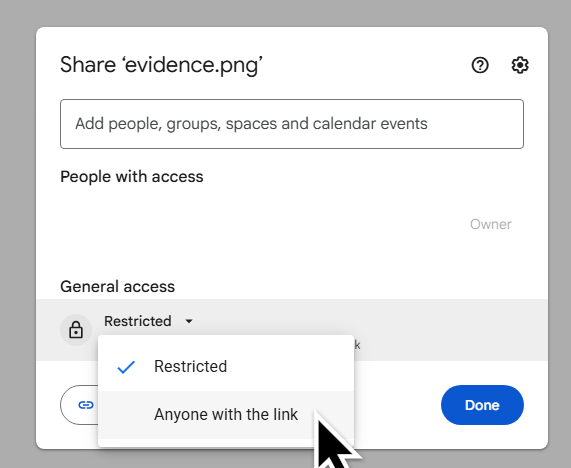
Step Five: Allow Link Access
Change the sharing settings to allow anyone with the link to view the file.
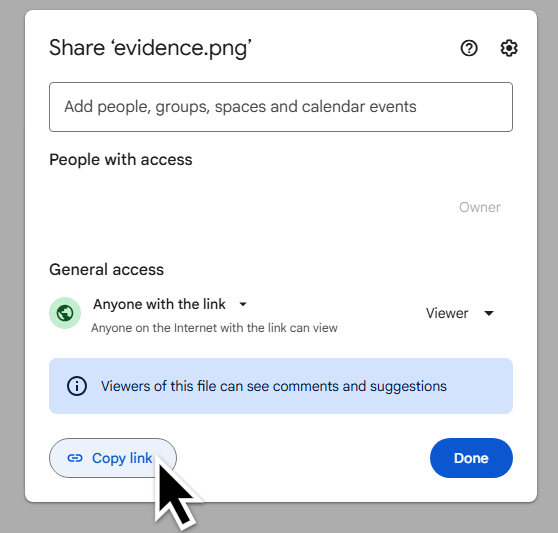
Step Six: Copy the Link
Select Copy Link to copy the evidence URL.
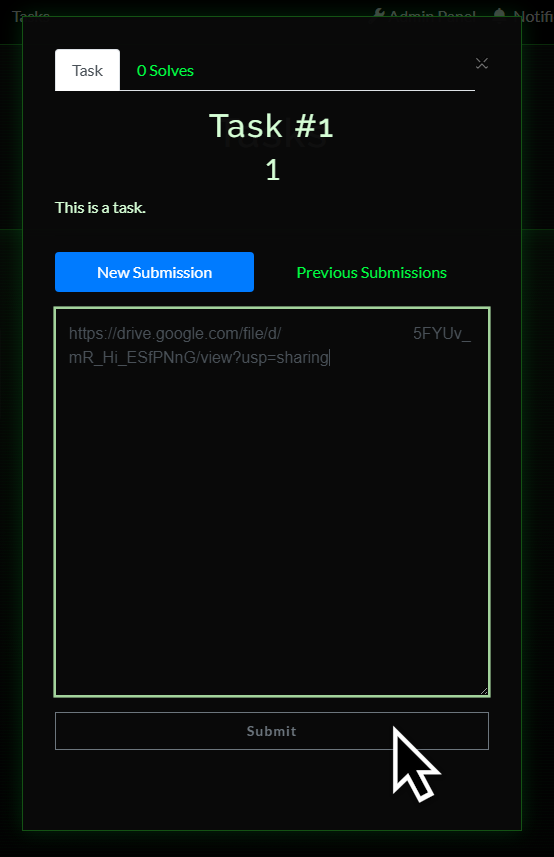
Step Seven: Submit Your Evidence
Paste the link into the textbox and submit your answer.